
Digital Marketing
What Is Digital Marketing? A Complete Beginner's Guide to Types, Strategies, Tools & Careers
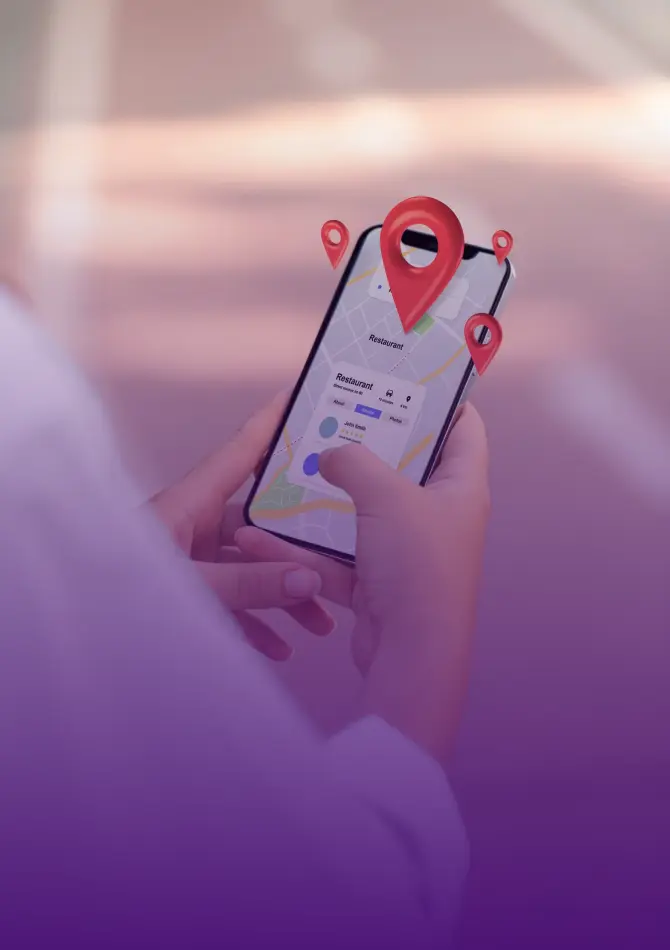
Imagine someone in Kochi types "best bakery near me" into Google right now. If your bakery does not show up in the first few results, you just lost a customer to someone else. That is the problem Google Ads solves.
Having a website is no longer enough. There are thousands of businesses online, all trying to get noticed. Google Ads is one of the fastest ways to get in front of people who are already looking for what you sell.
I am a Freelance SEO Analyst based in Ernakulam. I help small business owners in Kerala get found online, using a mix of SEO and paid ads. In this guide, I will explain Google Ads in plain language, so you can understand what it is, how it works, and how to run your first campaign without wasting money.
Think of Google Ads as a way to pay for a place at the top of the search results, instead of waiting to earn it slowly through SEO. You tell Google who you want to reach, and your ad appears in front of people searching for exactly that.
Here is what this actually means for a small business owner:
For a small business in Kerala going up against bigger, better-funded competitors, this is one of the rare places where a sharp, well-planned campaign can outperform a much bigger ad budget.
Google Ads runs on a system called PPC, which means Pay-Per-Click. In simple words, you only pay when someone actually clicks on your ad. If people see your ad but do not click, you pay nothing.
Here is what happens behind the scenes:
So if a bakery in Kochi bids on "best bakery near me," and writes a clear, relevant ad, Google may show that ad above a bigger competitor who wrote a weak ad, even if that competitor is paying more per click.
Every Google Ads campaign, no matter how big or small, is built from four parts.
These are the words your customers type into Google. Picking the right ones decides whether your ad shows up at all.
Example keywords for a small business:
The more specific your keyword, the more likely the person searching is ready to buy, not just browsing.
This is the actual text people see, your headline and description. A strong headline plus a clear reason to click is what gets people to actually tap your ad instead of scrolling past it.
This is where people end up after they tap your ad. Say your ad offers "50% off bakery orders." If the link drops them on your plain homepage instead of that offer, most visitors will bounce off within seconds. Whatever your ad promises, the page it leads to needs to deliver on it.
You decide how much you want to spend per day and how much you are willing to pay per click. You are always in control of your spending, and you can pause or change it anytime.
Google Ads has a few different campaign types, and each one works best for a different goal. Here is a simple breakdown for small businesses, current for 2026:
Search Ads: These are the plain text ads that show up when someone searches on Google. Best for local businesses, service providers, and anyone who wants leads or phone calls.
Performance Max: This is Google's AI-powered campaign type. You give it your budget, your goal, and some ad creative, and Google's AI automatically shows your ad across Search, YouTube, Gmail, Maps, and more, wherever it thinks you will get the best results. Good for businesses that want strong results without managing every detail manually.
Demand Gen: This is Google's newer campaign type for reaching people before they start searching, using eye-catching visuals and videos on YouTube, Gmail, Discover, and Maps. It replaced standalone Display ads in 2026. Good for building brand awareness and staying in people's minds.
Shopping Ads: Your product photo, name, and price appear right inside the search results, so shoppers can compare before they even click. Made for online stores selling actual products.
Video Ads: These run on YouTube. Good for storytelling and building trust, especially useful for service businesses that want to show their work.
Local Ads: These help people nearby find your physical shop through Google Maps and local search. Perfect for restaurants, salons, and retail shops with a real storefront.
If you are just starting out, Search Ads are usually the safest place to begin, since they show intent-driven, ready-to-buy customers.
Before you spend a single rupee, be clear about what success looks like. Common goals for small businesses are:
Your goal decides everything else: your keywords, your ad copy, and even which campaign type you choose.
Do not guess what people search for. Use tools like Google Keyword Planner, SEMrush, or Ubersuggest to see what real people are actually typing.
Focus on:
Longer, more specific keywords usually cost less per click and bring in people who are more ready to buy.
Your ad has about two seconds to grab attention. Make every word count.
Tips for stronger ad copy:
Even a perfect ad fails if it sends people to a slow or confusing page. Your landing page should:
A huge budget is not the starting requirement here. Test with a smaller amount first, see what actually brings results, and grow your spend from there.
Most people do not fail at Google Ads because the platform does not work. They fail because of avoidable mistakes.
SEO and Google Ads are not rivals; they are teammates. SEO builds long-term, free traffic over time. Google Ads brings in traffic right now. Used together:
If your budget only allows one right now, start with whichever matches your timeline. Need customers this month? Start with Ads. Building for the next two years? Start with SEO. Ideally, plan to use both.
Google Ads gives you real numbers, not guesses. Keep an eye on these:
If your conversion rate is low even though your CTR is high, the problem is usually your landing page, not your ad.
Google Ads is one of the most reliable ways for a small business to get in front of ready-to-buy customers quickly. It is not about having the biggest budget, it is about picking the right keywords, writing honest and clear ads, and sending people to a landing page that delivers on your promise.
Start small, track everything, and improve based on real numbers instead of guesswork. That is how small businesses in Kerala are already using Google Ads to compete with much bigger players and win.
If you are just starting to learn digital marketing skills like this, CDA Academy offers hands-on digital marketing courses that walk you through running real campaigns like the one described here, step by step.